

Lesson 5 of 102 steps · about 2 minutes
See who’s showing up
A week of tap-ins shows you who’s training, and who you haven’t seen in a while.
Step 1 of 2
Check your activity
The Activity tab shows tap-ins, new students and classes held, plus who’s been in recently.

Step 2 of 2
Spot who’s drifting
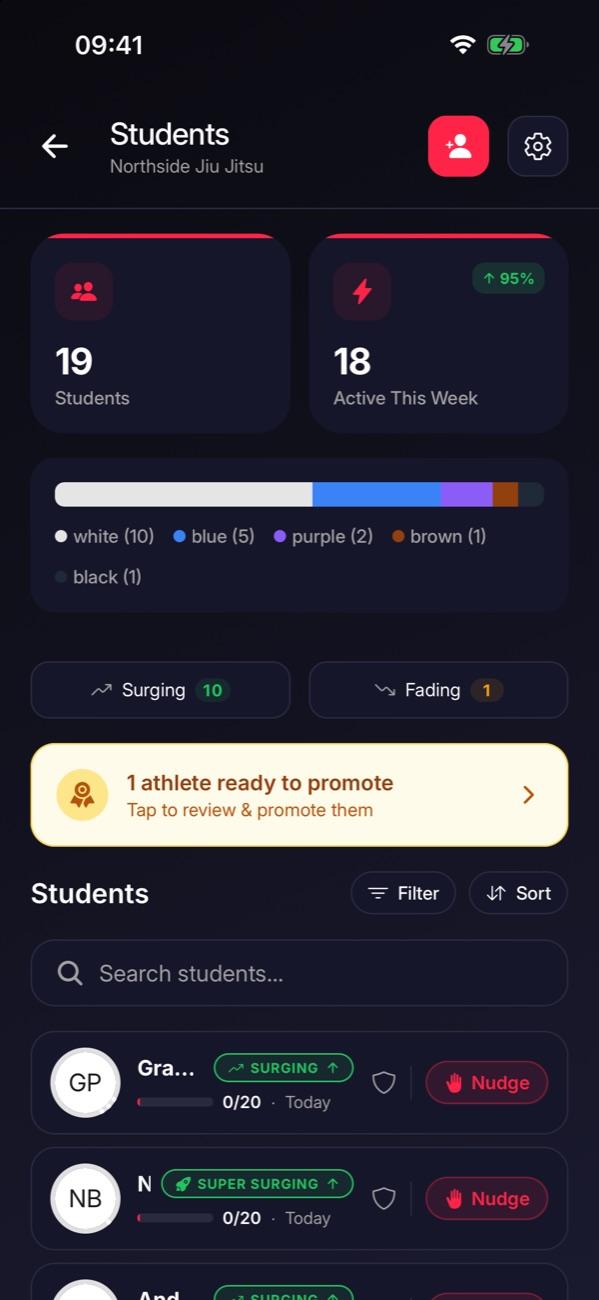
Go to Manage and tap Students. Surging and Fading show who’s training more or less than usual. Tap a name for their full attendance.

Tip: Make it a weekly habit. If someone you expected has gone quiet, reach out yourself. Often that’s all it takes.
Stuck on this step?
Ask Darcy, or email us and we’ll help you set it up.