

Lesson 7 of 102 steps · about 2 minutes
Give students a clear next milestone
Set how many classes count toward a stripe, so progress is visible.
Step 1 of 2
Open Belt Progression
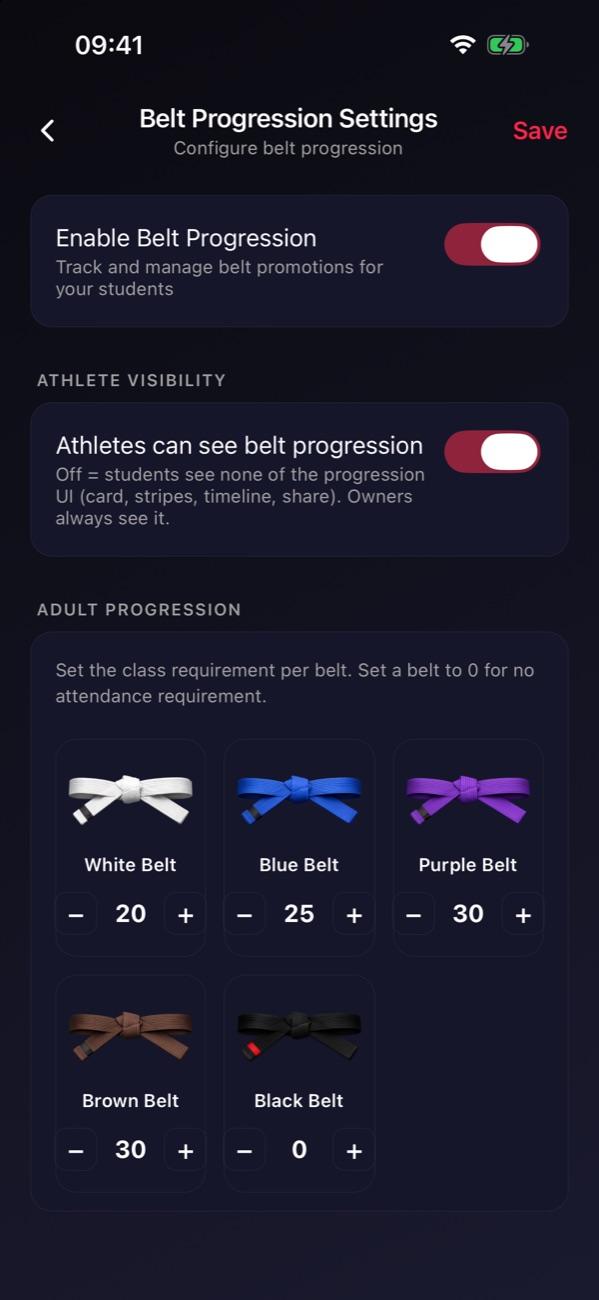
Go to Manage and tap Belt Progression. Turn on Enable Belt Progression.
Step 2 of 2
Set classes per stripe
Use − and + on a belt to set the classes per stripe, then tap Save. Set a belt to 0 for no requirement.
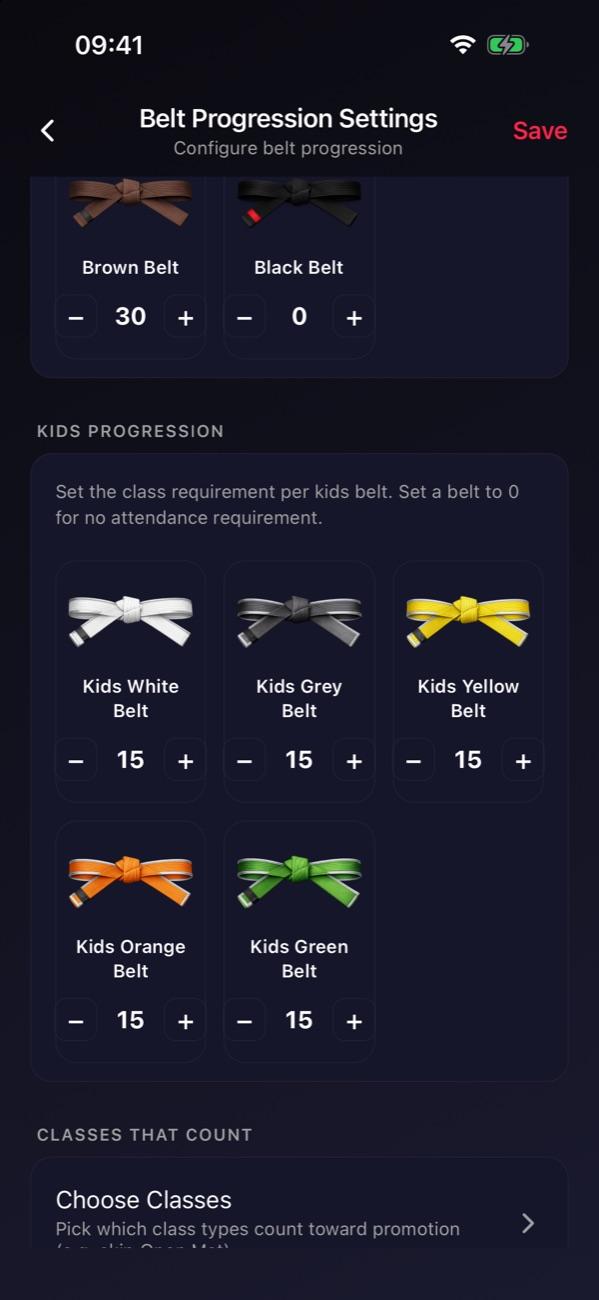

Tip: Use your own promotion standards, and start with one group. You choose whether students can see their progress.
Stuck on this step?
Ask Darcy, or email us and we’ll help you set it up.